

Personalized collage maker
Create playful card collages that feel personal from the first card to the final spread.
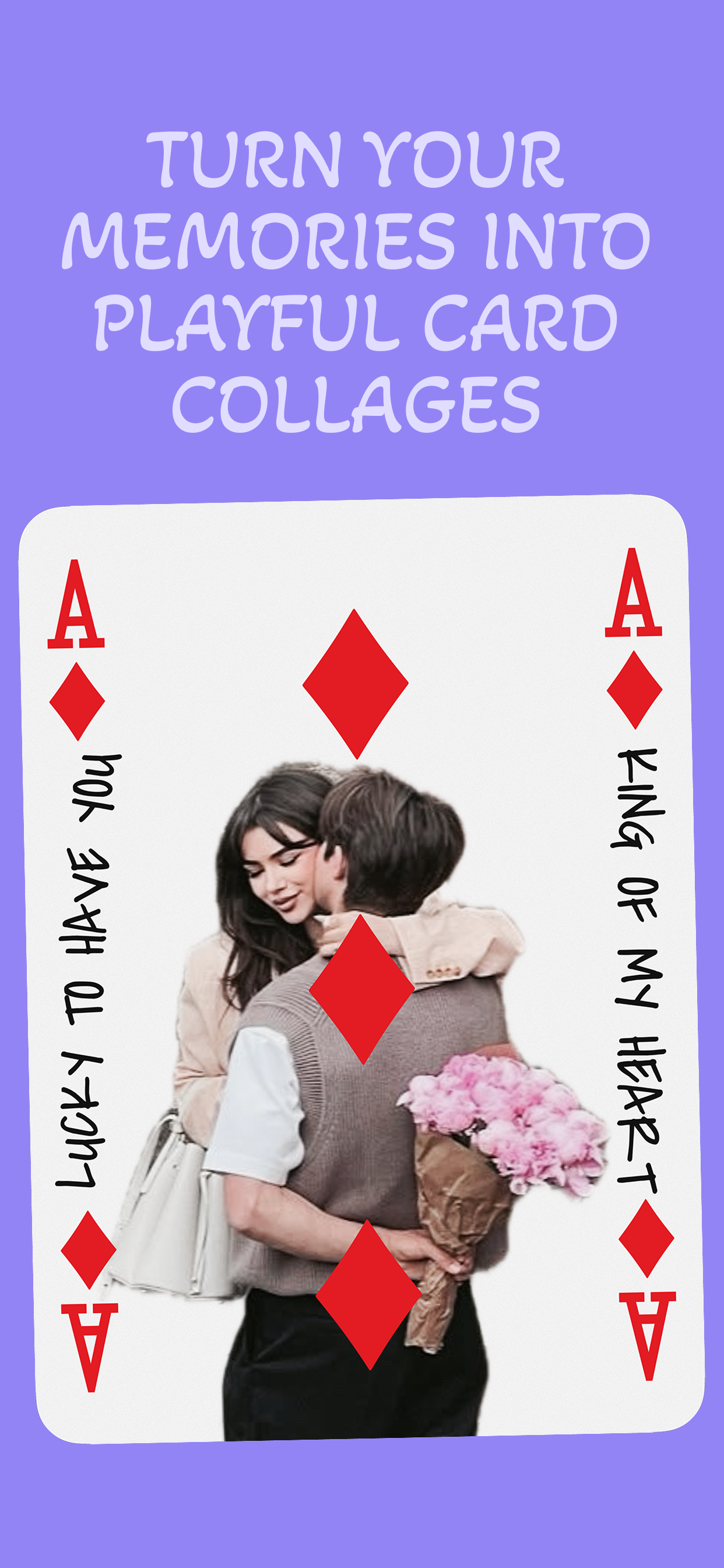
Turn photos, words, and shared memories into beautiful playing-card layouts you can save, share, print, and keep.
What you can do
Build your design card by card, then shape it into something worth keeping.
Every feature supports the same idea: simple memories can become a thoughtful collage when each card gets its own moment.
Start from photos or text
Create collages from images, words, initials, or little messages without locking yourself into one format.
Make every card personal
Turn each photo or letter into its own card, then add notes, doodles, and custom details card by card.
Change the layout until it clicks
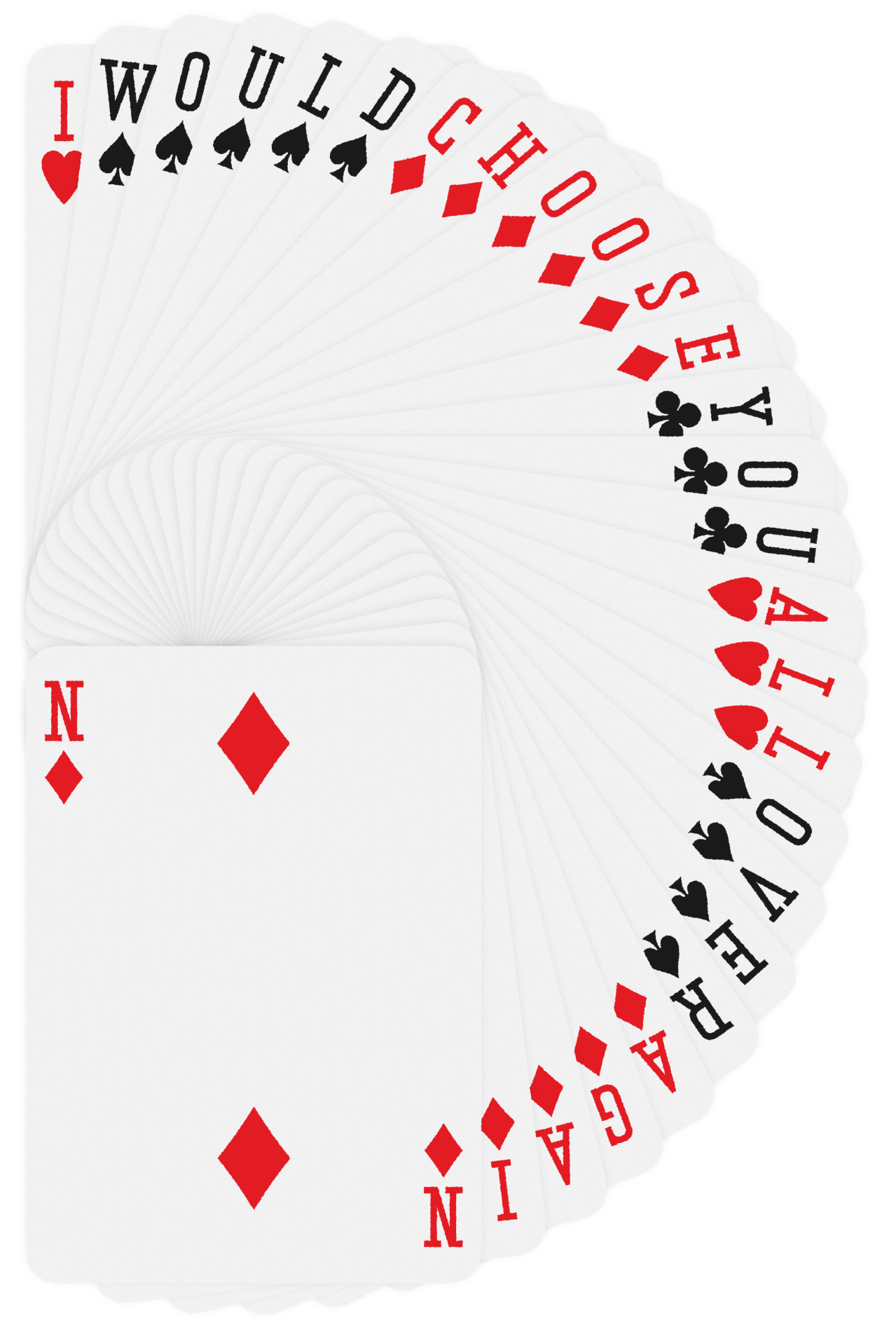
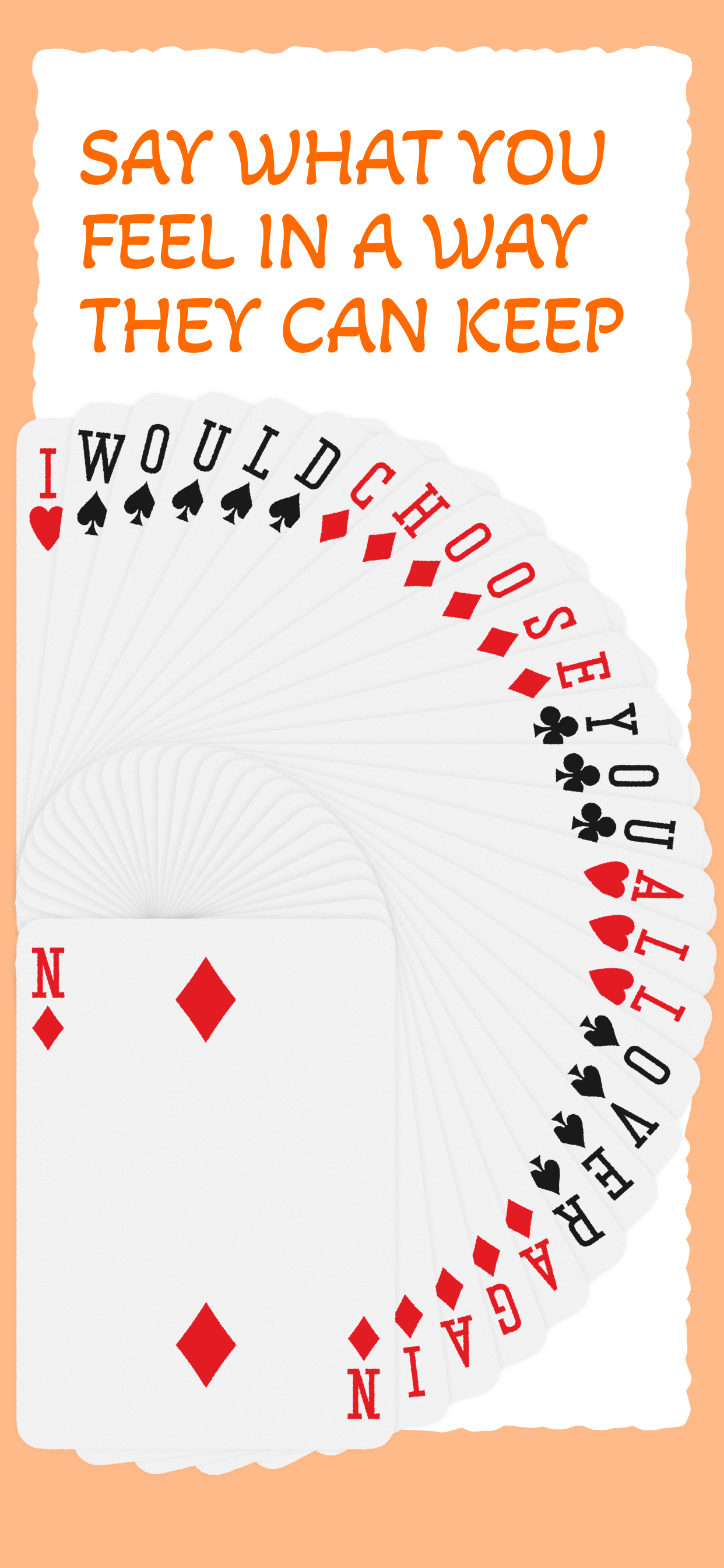
Fan cards out, switch spreads, and try different arrangements until the whole piece feels right.
Keep the process, not just the result
Create video timelapses from your card designs so the making of the collage becomes part of the memory.
Design for real moments
Make romantic notes, birthday spreads, trip keepsakes, and thoughtful gifts with the same playful card language.
Export in high quality
Save finished collages cleanly when you are ready to share them digitally or print them out.
How it helps
It gives ordinary photos a stronger point of view.
- Card-by-card editing You can treat each image, letter, or note as its own piece instead of forcing everything into one flat collage.
- Layout control without clutter Fan spreads, alternate arrangements, and flexible spacing make the result feel designed instead of accidental.
- Better for sentimental projects The format works naturally for love notes, birthdays, anniversaries, trips, and shared memories that deserve more care.
- Creative process included Timelapse exports turn the process into something you can replay, share, or keep alongside the final collage.
Support
Need help with LuvKards?
Open the dedicated support page, contact the developer directly, or send a privacy request from the official LuvKards support flow.
FAQ
Key questions about the app.
These answers are based on the same support topics shown on the official LuvKards support page.
- Do I need to sign in to use LuvKards? LuvKards does not currently rely on a required account sign-in flow. If you run into access or entitlement issues after purchase, contact support directly.
- How do billing and purchases work? In-app purchases are handled by Apple. If a purchase does not unlock correctly, you can contact support and have the entitlement checked.
- How do I cancel a subscription? If a subscription or recurring purchase is introduced later, cancellation will be managed through your Apple ID subscription settings.
- How do data deletion and export work? Your collages and photos stay on your device. You can remove app data by deleting the app, and you can contact support with privacy questions or export requests related to purchase records.